

Table of Contents
See a history of changes made to a member, such as classes added or ended, status, insurance and awards, and who made each change.
Viewing activity #
Step 1: Find Recent Activity (0:00) #
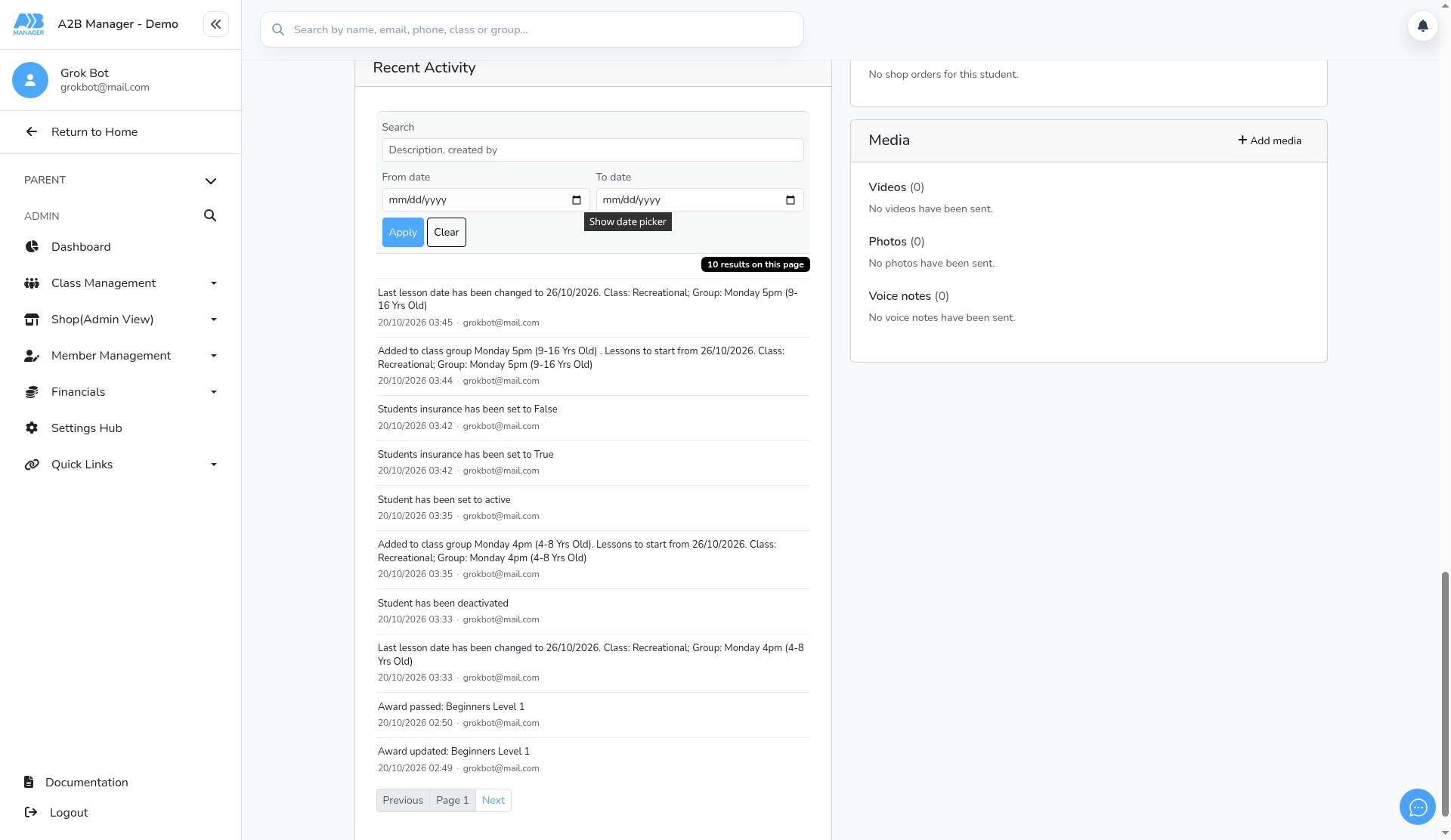
- Open the member’s profile and scroll to the bottom to Recent Activity.
- Entries are newest first, ten per page. Each one shows what changed, when, and who did it.
Step 2: Search or filter by date (0:14) #
- Search matches the entry’s description and the created by email address.
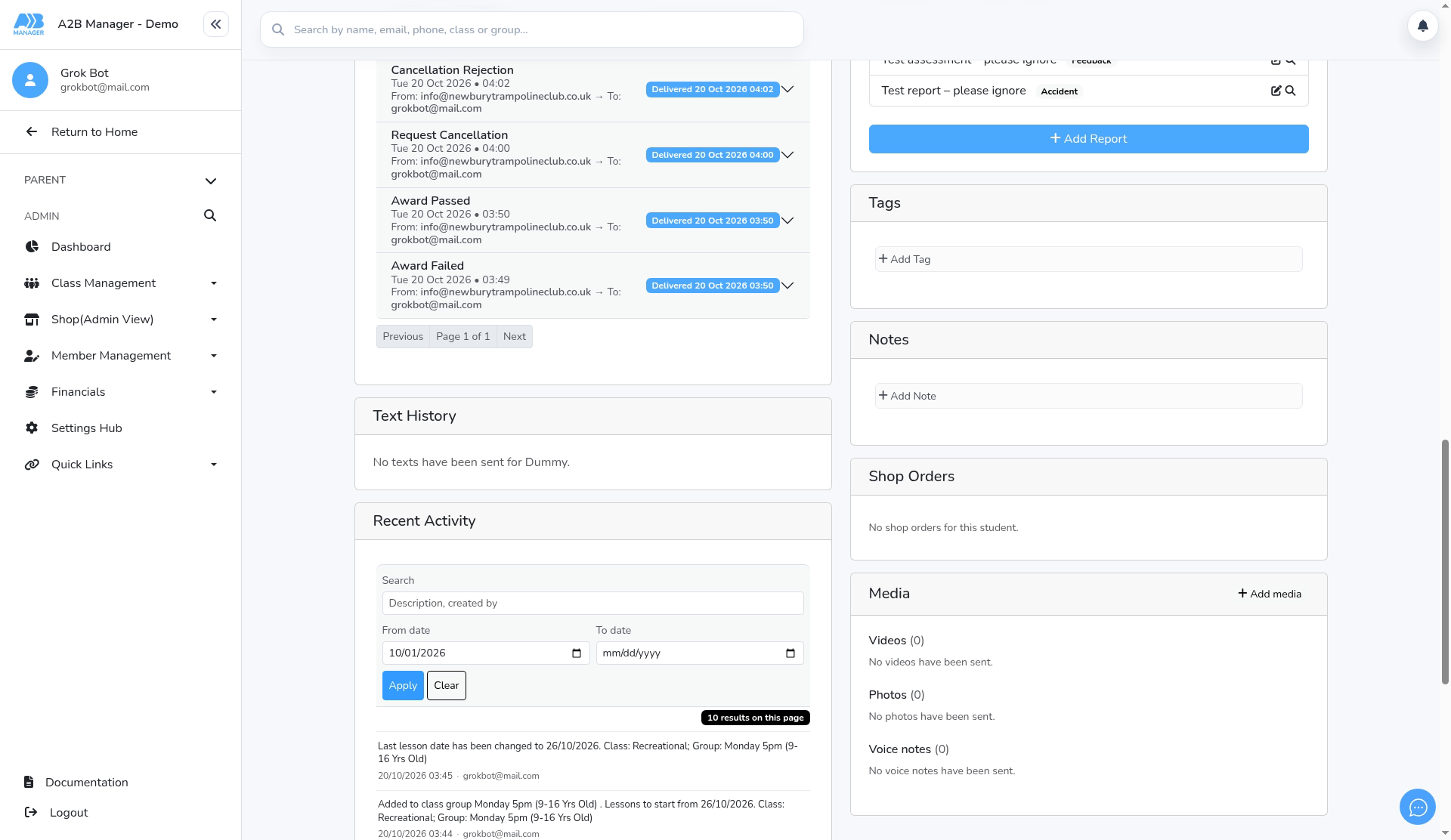
- Set a From date and/or To date, then click Apply.
Step 3: Clear the filters (0:36) #
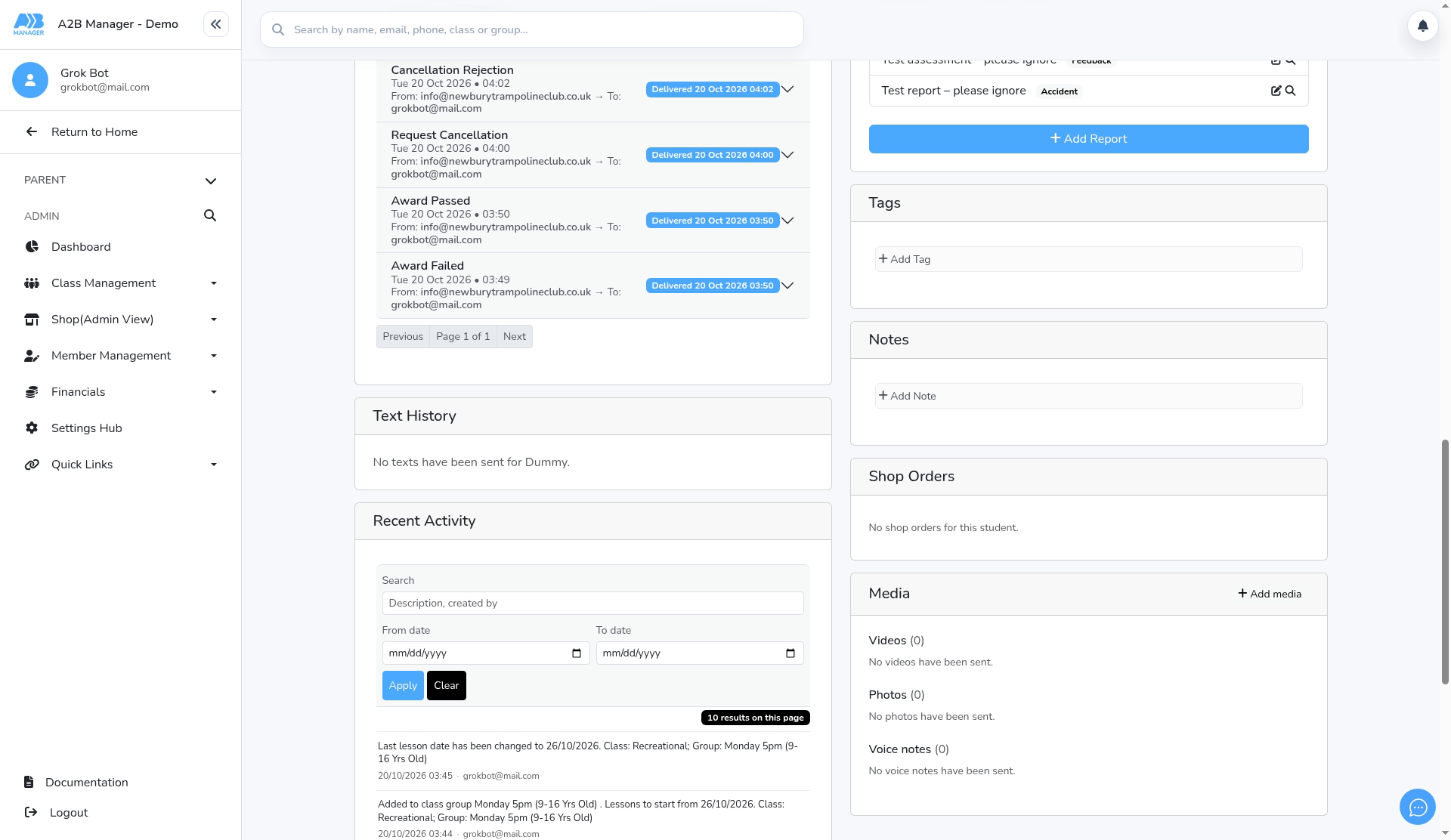
- Click Clear to remove the search and dates and show everything again.
Step 4: See older activity (0:44) #
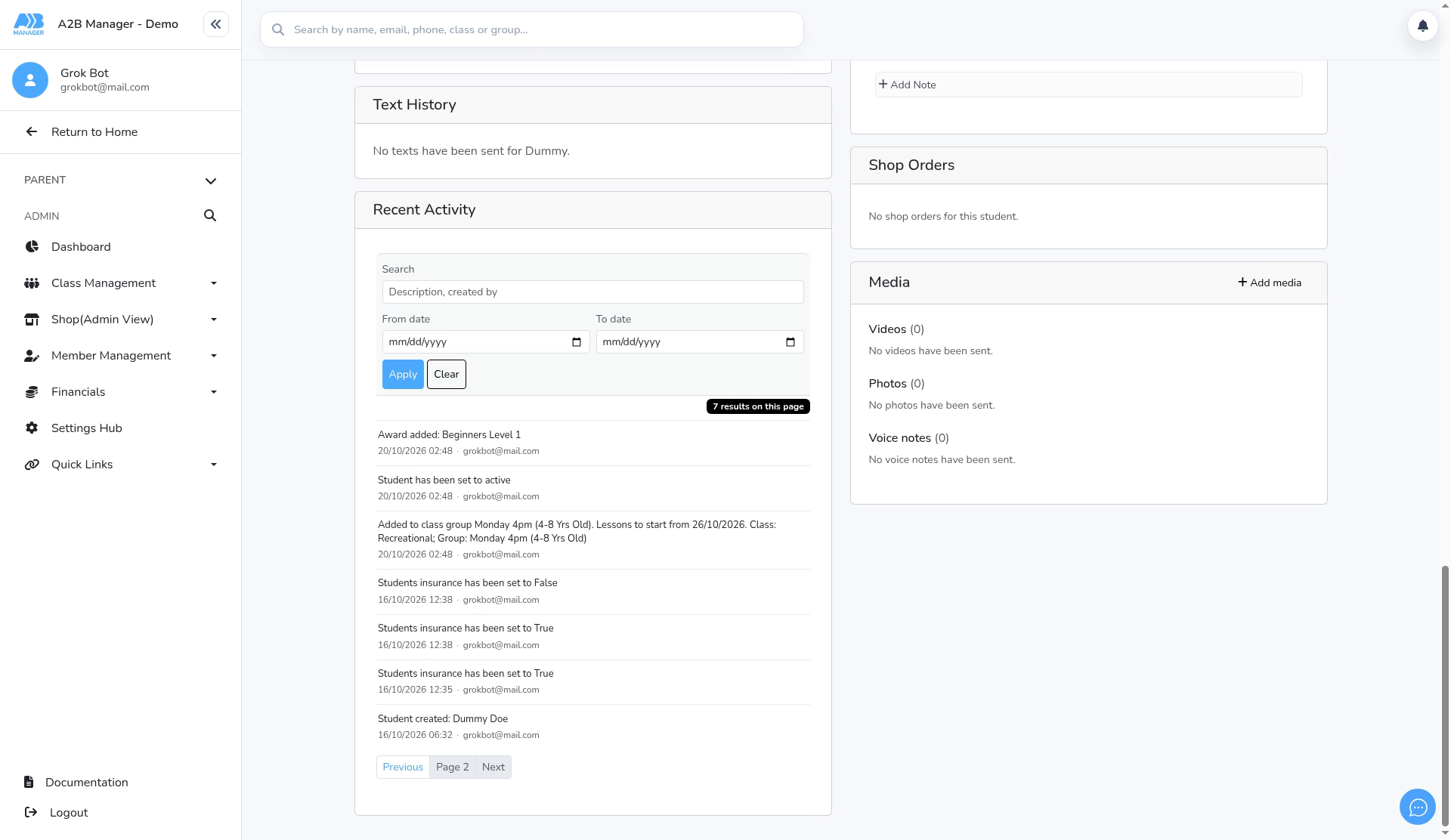
- Use Next and Previous to page through older entries.
What’s recorded #
- Recent Activity records changes to the member, for example: Student created, Added to class group…, Last lesson date has been changed…, Student has been set to active or deactivated, Students insurance has been set to…, and Award added, updated or passed.
- Reports, emails and cancellation requests aren’t recorded here, so searching for words like report or cancellation finds nothing. Use the Add Report card and Email History on the profile for those. An accepted cancellation shows up as Last lesson date has been changed.


