

Table of Contents
Add several coaches at once with only a first and last name. They get this club’s coach access and can be assigned to classes straight away, but they cannot sign in until you add an email and password later. This is different from inviting staff by email.
Before you start #
- You need admin access to Admin Accounts (Settings Hub > Users & Access > Manage Admins).
- Use this when you want coaches on the registers and class groups before they have a login. Use Invite Staff when they should receive an invite email and create their own account.
Adding coaches without a login #
Step 1: Open Admin Accounts #
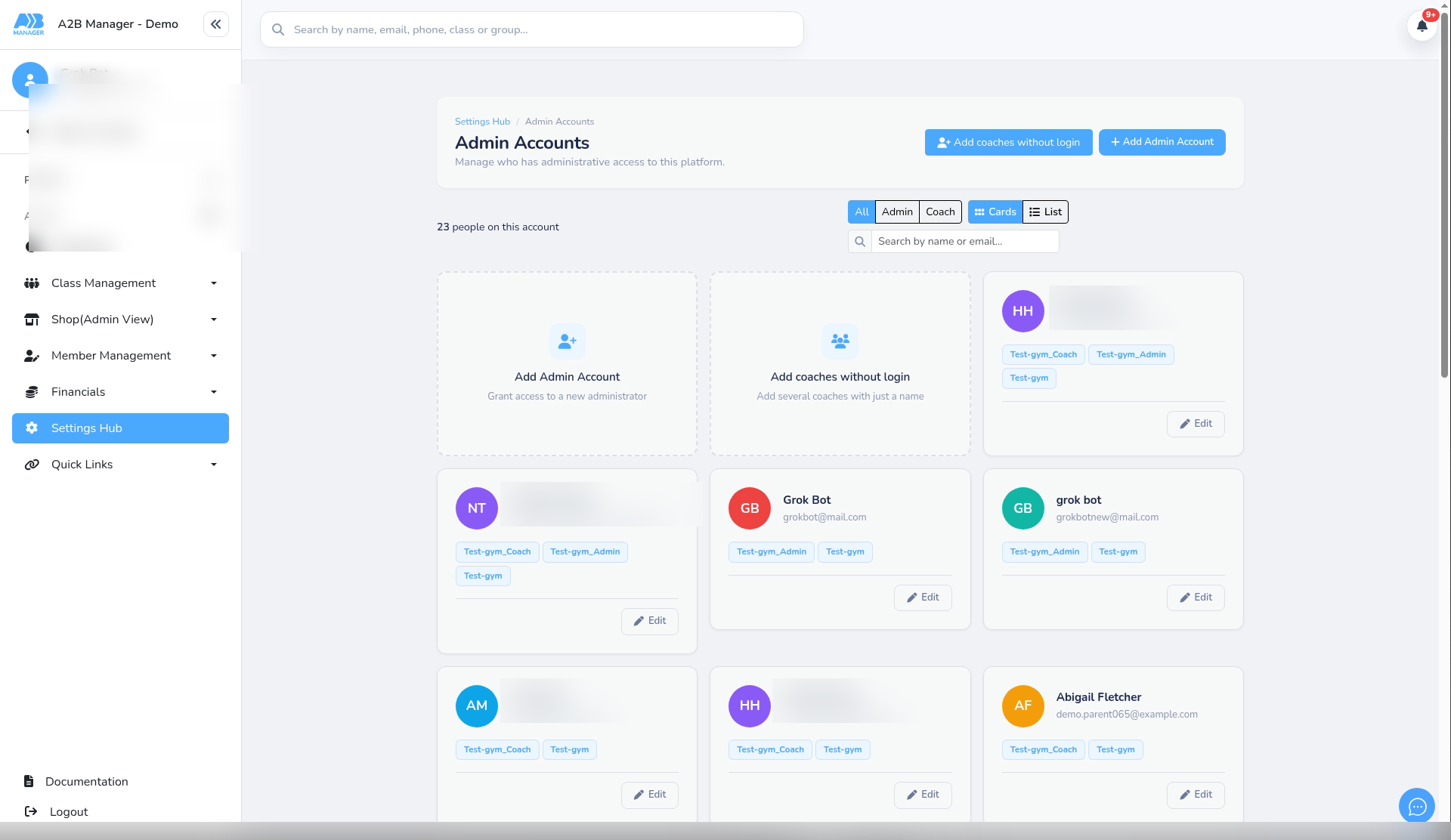
- Go to Settings Hub > Users & Access > Manage Admins.
- You are on Admin Accounts.
Step 2: Open Add coaches without login #
- Press Add coaches without login (toolbar button, or the card that says add several coaches with just a name).
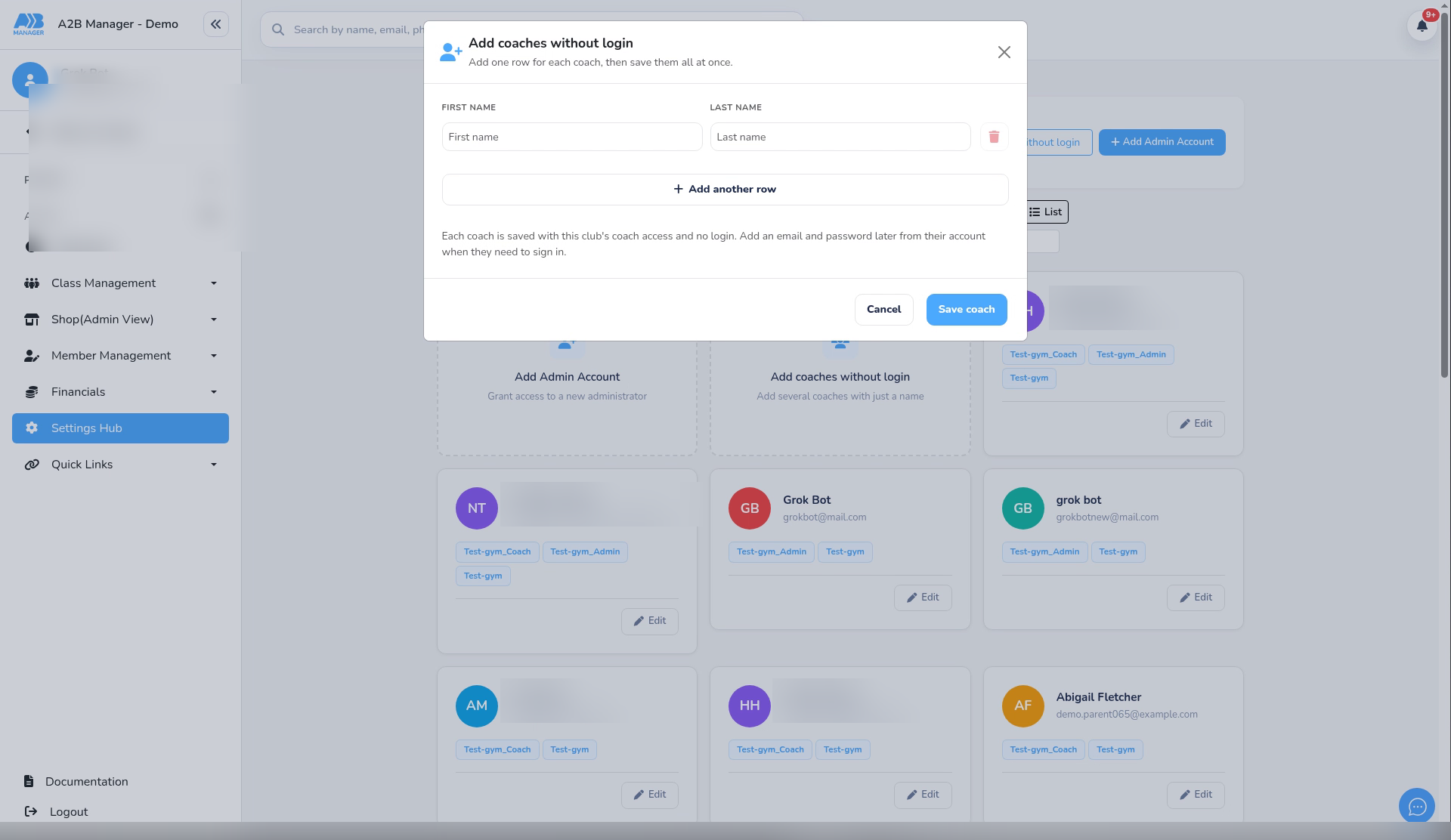
- The modal title is Add coaches without login.
Step 3: Enter first and last names #
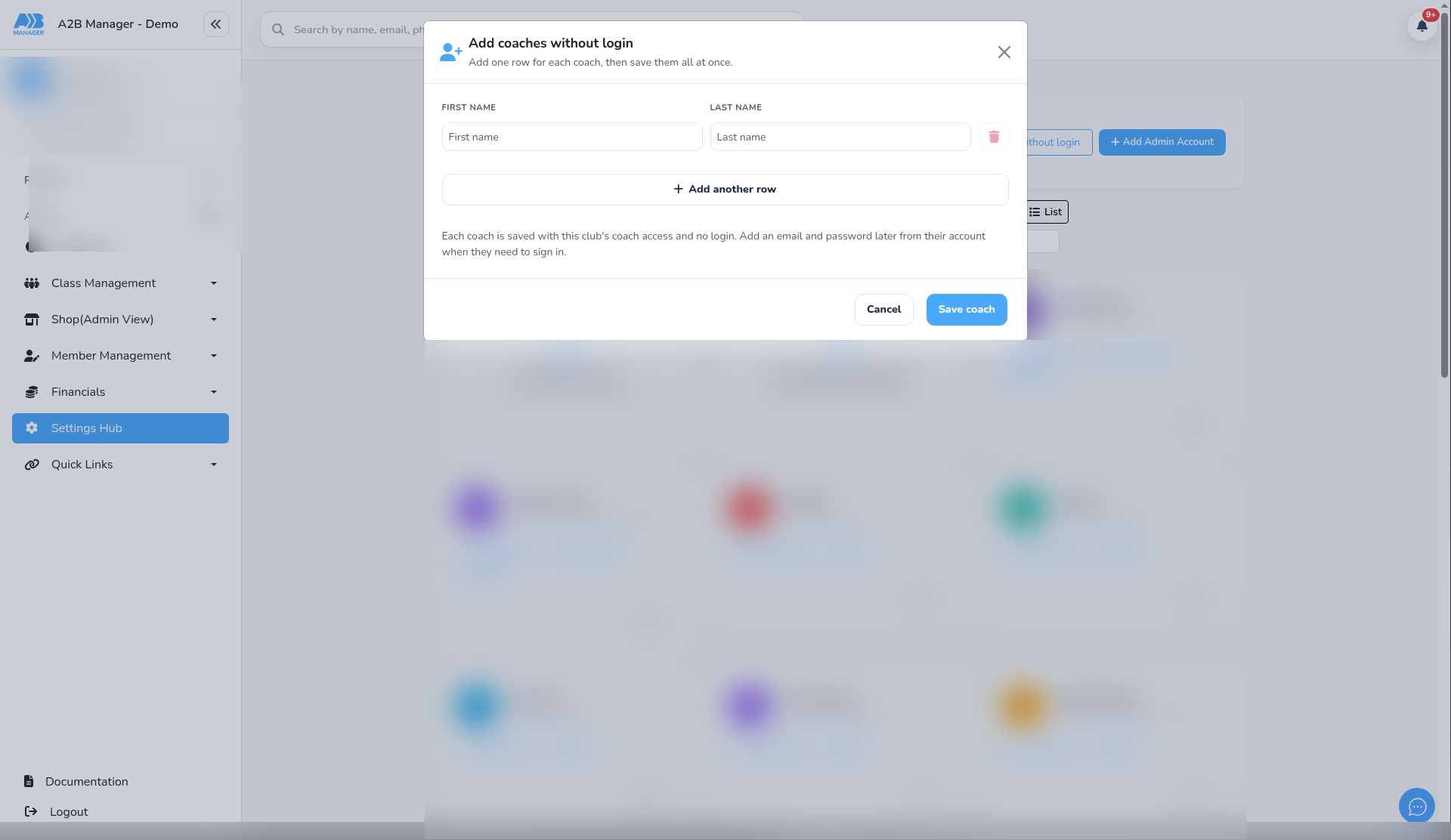
- Add one row for each coach: First name and Last name (required, up to 100 characters).
- Press Add another row for more coaches.
- Press Save coach or Save N coaches. Blank rows are skipped.
- Each coach is saved with this club’s coach access and no login.
Step 4: Assign to classes and add a login later #
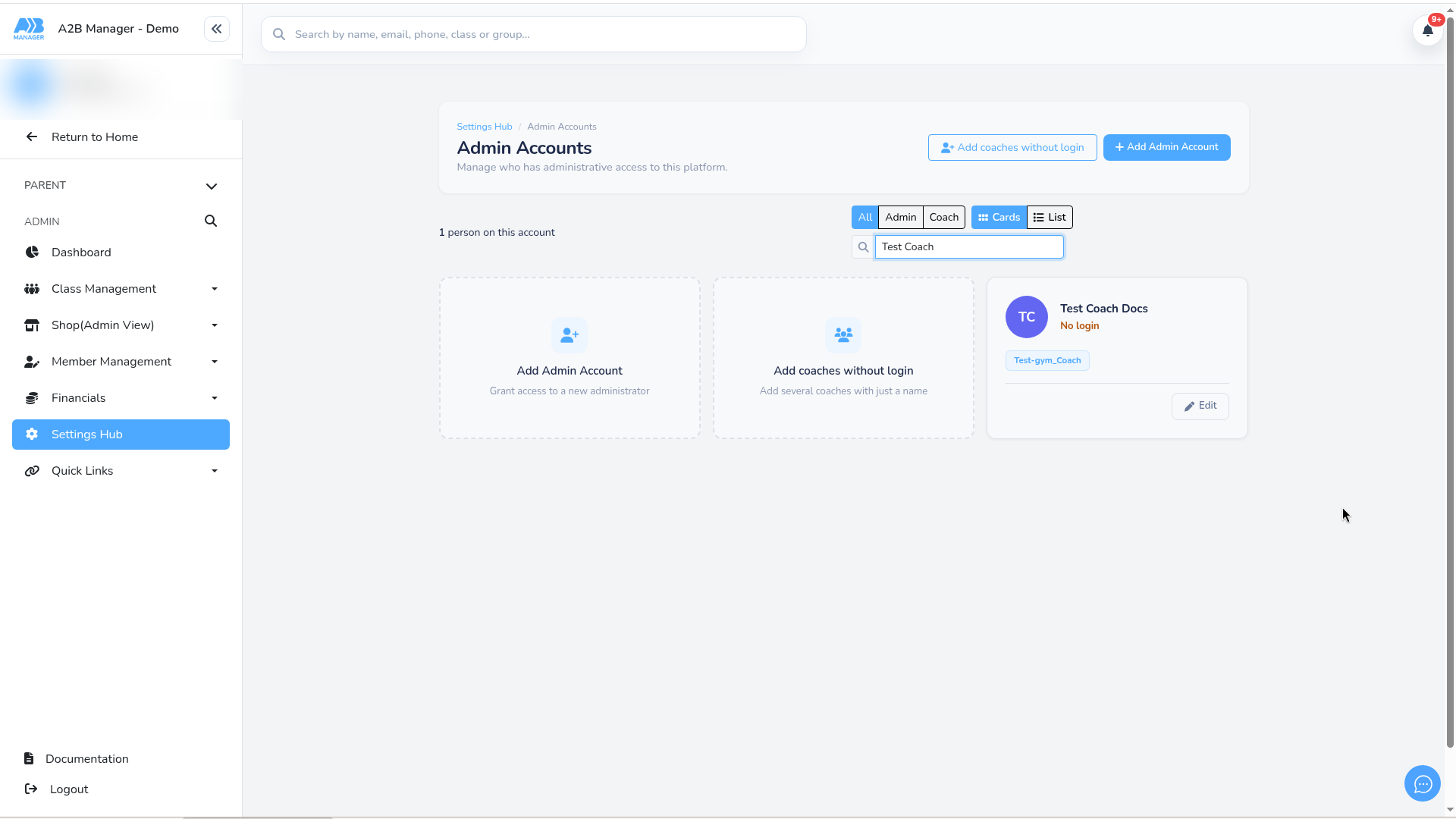
- Assign them on a class group’s Staff list like any other coach. Staff pickers show No login when they have no email.
- When they need to sign in, open their account from Admin Accounts and add an email and password.
- Until then they cannot log in.
Good to know #
- This is not the Invite Staff flow – there is no invite email and no password at creation.
- You can filter Admin Accounts by Coach to find them quickly.
- Failed rows stay in the modal with an error if something could not be added.
Tip: Add coaches without login when you are setting up subgroups and places before term – then give logins only to the coaches who need the register on a phone.


